How do I setup multi-factor authentication?
When accessing Nottingham College systems through either a college-owned device or your own and logging into Microsoft 365 systems with either a nottinghamcollege.ac.uk or student.nottinghamcollege.ac.uk account, you are required to use multi-factor authentication.
If you are logging into your Nottingham College Microsoft account for the first time you will be prompted with a message that states, “Your organisation needs more information to keep your account secure”, with a dialog box message which looks similar to the one below.
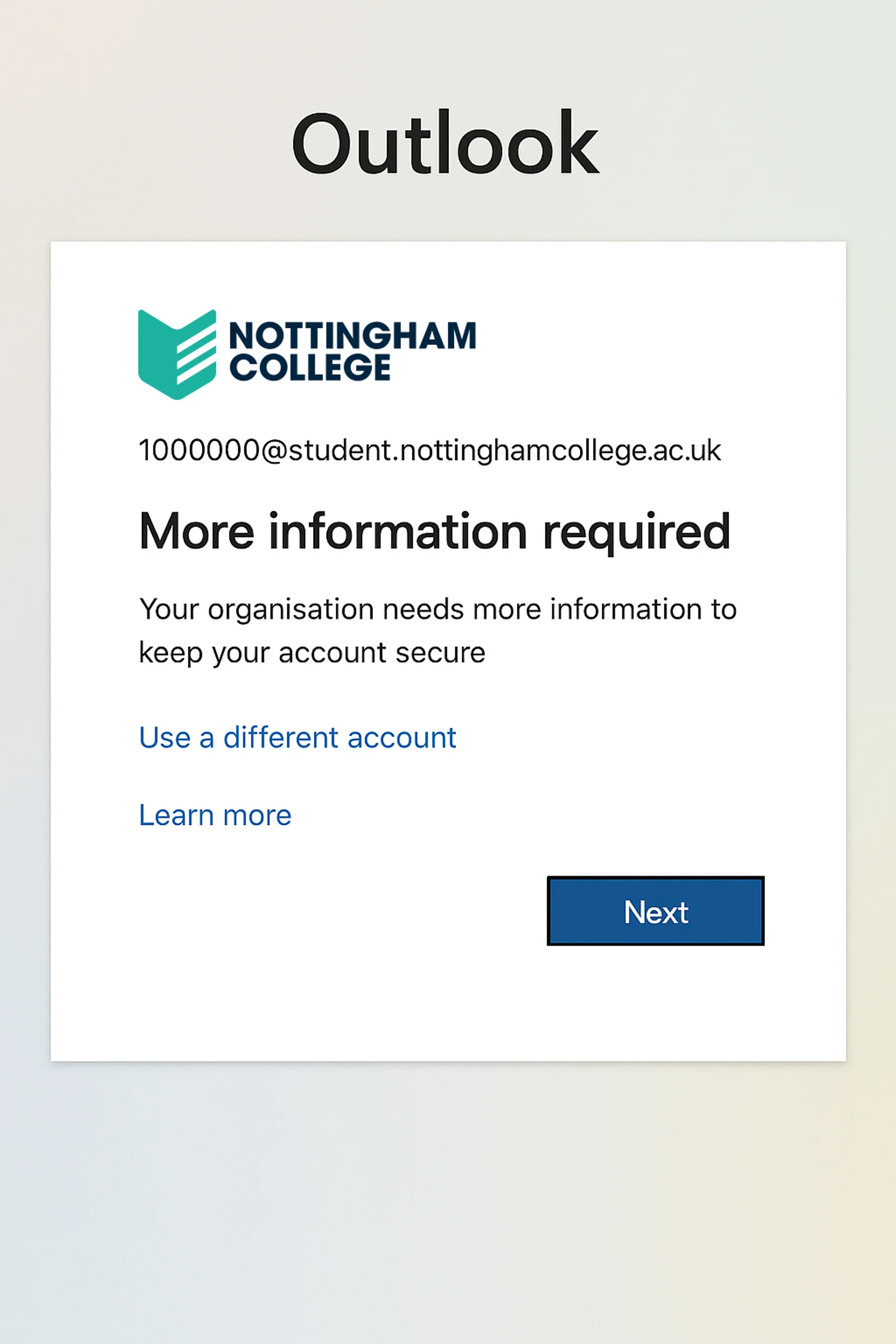
Click Next to proceed with setting up multi-factor authentication.
Our guide on setting up multi-factor authentication will help guide you through this process.
- Article reference number: KA-01026
- Last updated: Sunday 9th August 2026 9:02 am